

To answer your support questions it is very helpful for us if you tell us your currently used ipolog version. You can find it as follows:
ipolog 4 Material Flow
- Open ipolog 4 Material Flow
- Login with username and password
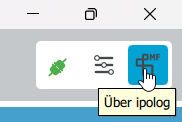
- Click on the "About ipolog" button in the module bar
- Afterwards a window opens, select "Show version info" here:
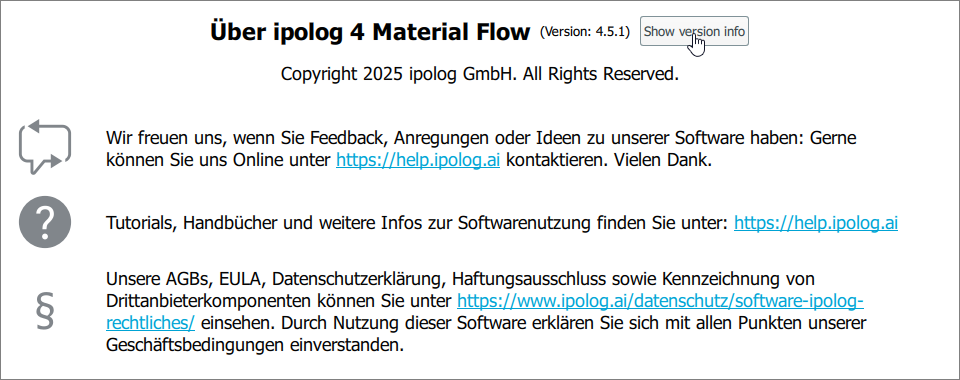
- The current version is displayed on top of the window (Version 4.5.1 in this case):
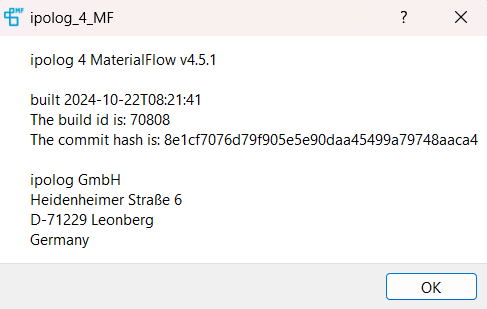
The build id can be used to determine exactly which version you are using (in this case build id 70808).
ipolog 4 Workspace
- Open ipolog 4 Workspace
- Login with username and password
- Click on "About" in the module bar
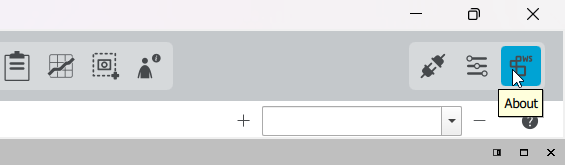
- A window will then open in which you can see your current ipolog-Version and build id:
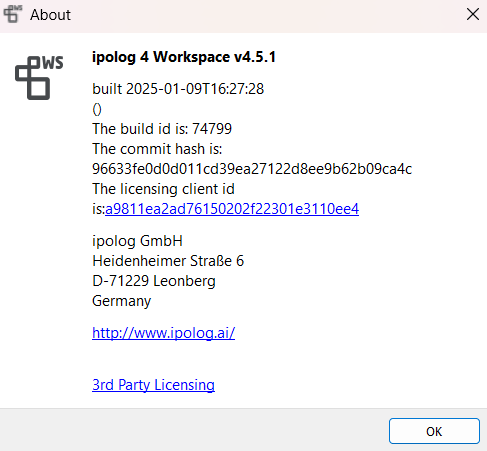
The build id can be used to determine exactly which version you are using (in this case build id 74799).
Ipolog 4 Factory Viewer
- Opening ipolog Material Flow (either via ipolog 4 Workspace or Material Flow or via the .exe file of the Factory Viewer)
- Log in with your user name and password
- Select ‘Settings’ in the menu bar at the top right
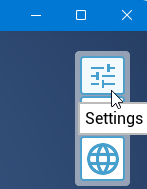
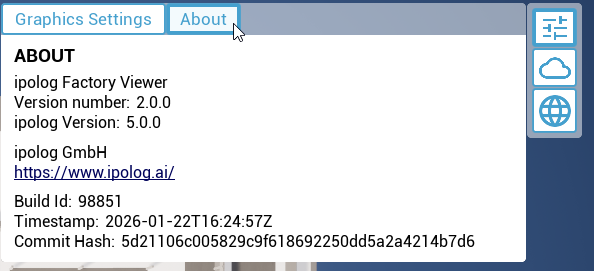
- A window will then open. Under ‘About’, you will find the version number of the Factory Viewer and the build ID. You will also find the compatible ipolog 4 Material Flow and Workspace versions.
Ipolog Portal
The current version of the ipolog portal can be checked on the bottom of the sidepanel:
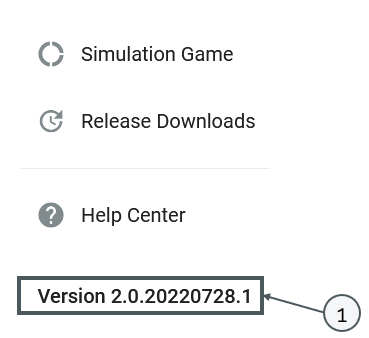
Please note: The programs “ipolog 4 Workspace” and “ipolog 4 Material Flow” have different version designations than the portal.