

Once you have created a user group, you can select it in the user group overview and add users. This works as follows:
1. Select the desired user group
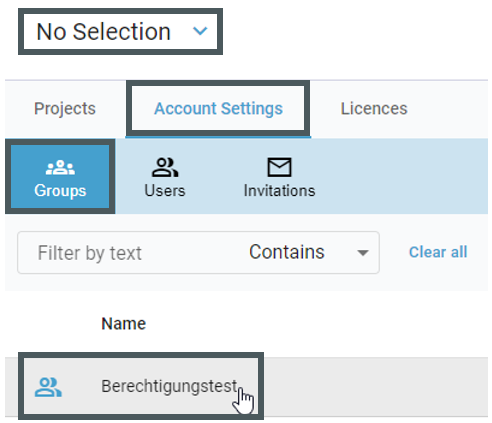
In order to do that, left-click once on the desired user group.
2. Select users from the list to add them to the user group:

To do this, left-click on the checkbox in the corresponding line or select the "-" symbol above the list to select all users.
To confirm your selection, select "Update".
The users are now added to a user group and can then be assigned to a project.