

Procedure since Version 4.4.7:

-
First select the system in which you want to create the group
-
Select the "Account settings" tab in the system overview
-
Select "Groups" to access the overview of user groups
-
Select "Create group", enter a name for the group and left-click once on "Create"
Your group should now be displayed in the user group overview.
Procedure before Version 4.4.7:
- To create user groups, open the Administrators view. In this view, select the respective system for which a user group is to be added.
- Then open "Groups".
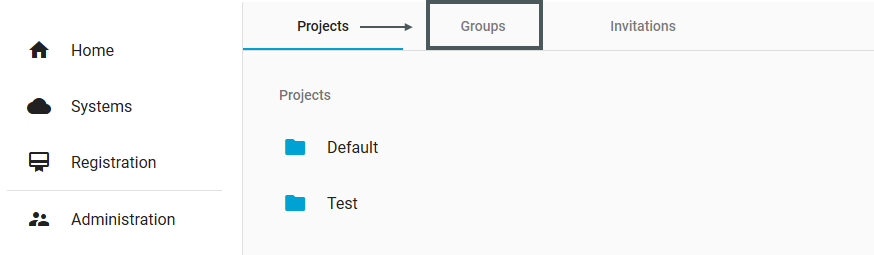
- When "Groups" is open, there is a button "+ Create Group" at the bottom right.
This button can be used to create a new user group. - Clicking on the button opens a dialogue similar to that for creating projects.
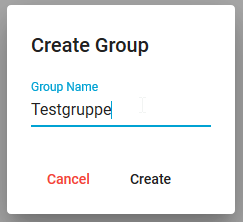
- The user group is created via "Create". The user group then appears in the overview of all created groups.