To adjust the settings of ipolog Factory Viewer, select "Settings" in the top right-hand corner of the program:
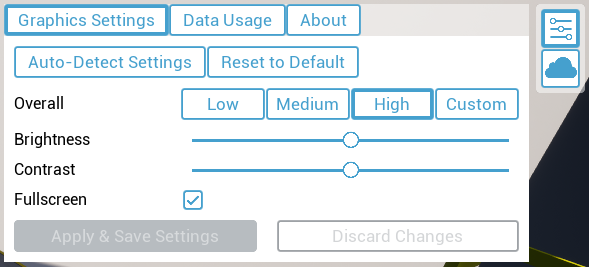
The graphics quality of your project can be adjusted here. The sliders determine the level of detail, brightness and contrast of the display. You can also use preset graphics settings under "Low", "Medium" and "High". To save changed graphics settings, select "Apply & Save Settings"; to discard them, select "Discard Changes".
"Reset to Default" resets the graphics settings to the initial position.
With "Auto-Detect Settings", graphics settings are chosen according to your system specs automatically.
Please note: Higher graphics quality can negatively affect performance!
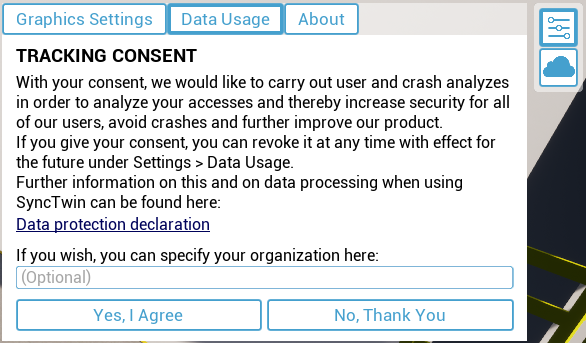
You can adjust privacy settings by clicking on "Data Usage":
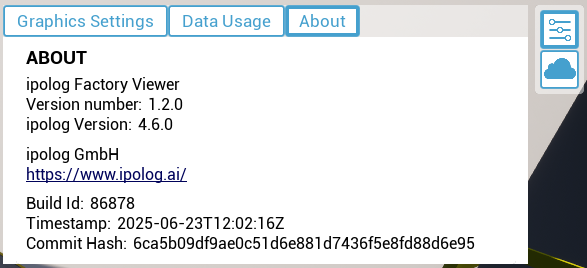
Under the "About" tab you will find the version number of ipolog Factory Viewer: