

If you create a layout in ipolog 4 Workspace without facilities and import it into ipolog 4 Material Flow, you cannot create a transport network. To avoid this there are two different facilities in the installation folder of ipolog Material Flow under examples --> 8_Hilfstools --> Hilfsflaechen_Layout --> facilites zwei verschiedene facilities.
To solve the problem, proceed as follows:
- copy the facilites folder and place it in the same folder as the layout.
- Load the layout in ipolog 4 WS.
- Import of the folder facilities into the catalog.
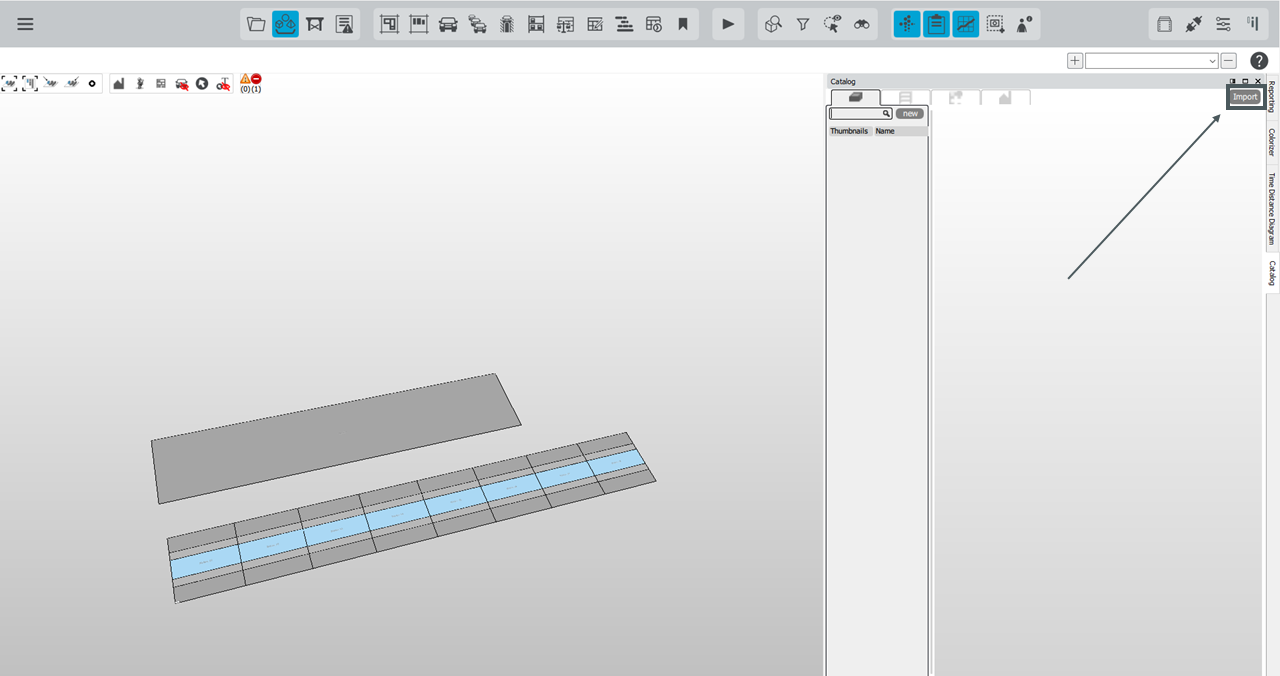
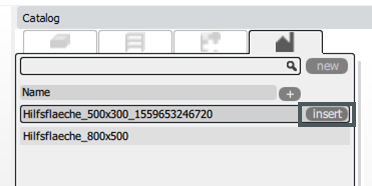
- If you now switch to the facility catalog tab in the catalog, you will see two entries. Depending on the size of the layout, either the small auxiliary area with 500x300 m or the large area with 800x500 m can now be inserted via insert.
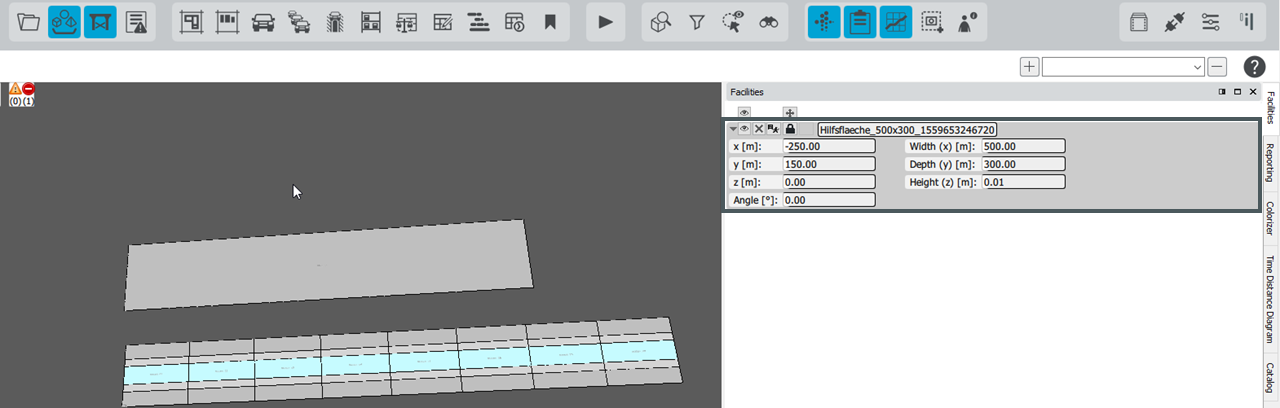
- The Facilties window can be used to move and rotate the auxiliary surface so that the layout is completely over the auxiliary area.
- The layout can then be exported and imported into ipolog 4 Material Flow.