


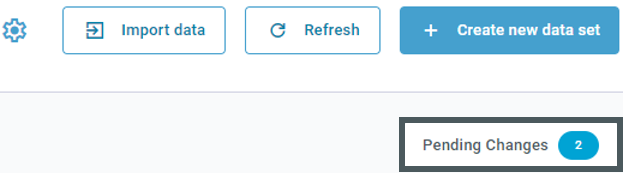
Every time you update the common data stored in the scenario - i.e. racks, boxes and part data - you must first synchronize it in order to be able to use the latest planning state in your planning spaces. To do this, first select "Pending changes" in the overview of a planning space:
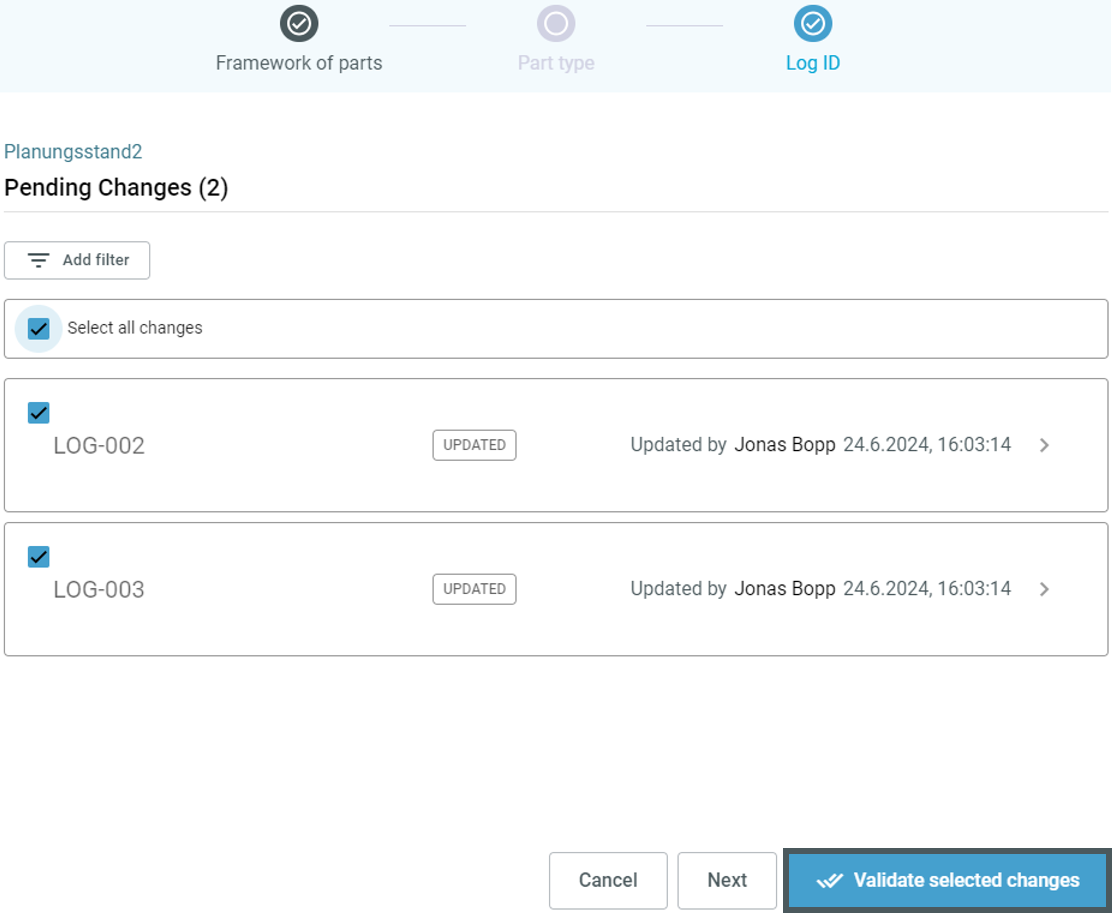
All changes made in the respective common data (e.g. part data) are displayed here. Select the changes you want to confirm (or "Select all changes") and then "Confirm selected changes" to update the part data and send the changes to the linked scenarios:
Changes to part data in the planning areas can also be synchronized with the scenario - and therefore also with the other planning areas in the scenario. More about this here.