

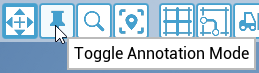
You can activate "Annotation Mode" by selecting the "pin"-symbol in the module bar:
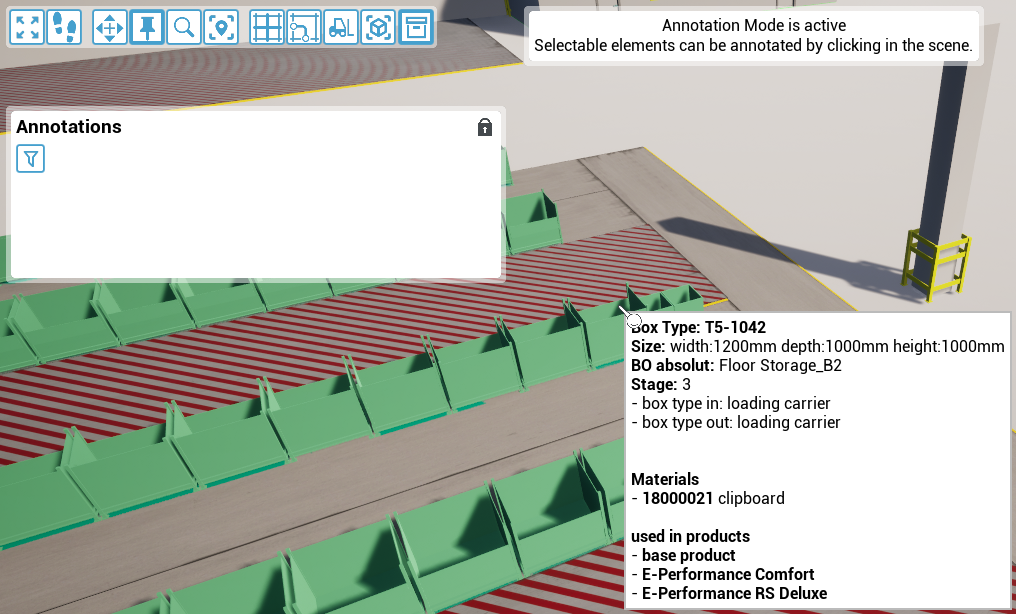
While Annotation Mode is active, notes on specific elements of your project can be created. Click on the desired element to add a new note:
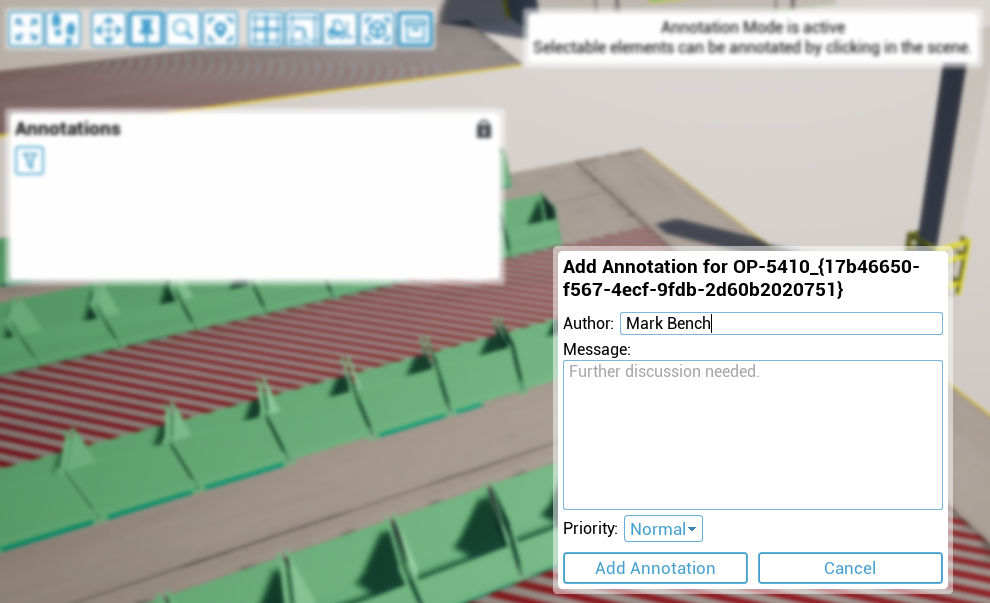
You can enter an author next to the note as well as setting the priority between "low", "normal" and "high".
Each note created is recorded in the "Annotations" list, date stamped and possible to be edited or deleted later by double left-clicking on the note. Right-click on the note to set the editing status - alternatively selecting the "Circle"-symbol on the left of each entry in the list has the same effect. A single left-click zooms in on the element for which the note was created. The notes can also be sorted and filtered for a better overview by selecting the "filter" symbol:
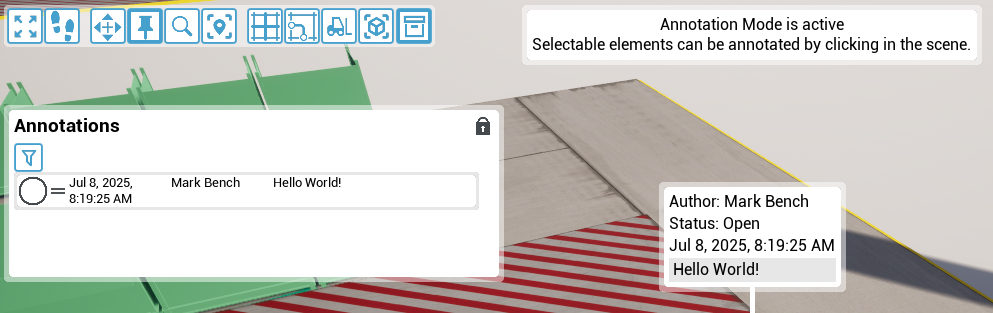
Clicking on the "lock" icon allows you to move the "Annotations" list and adjust its size.